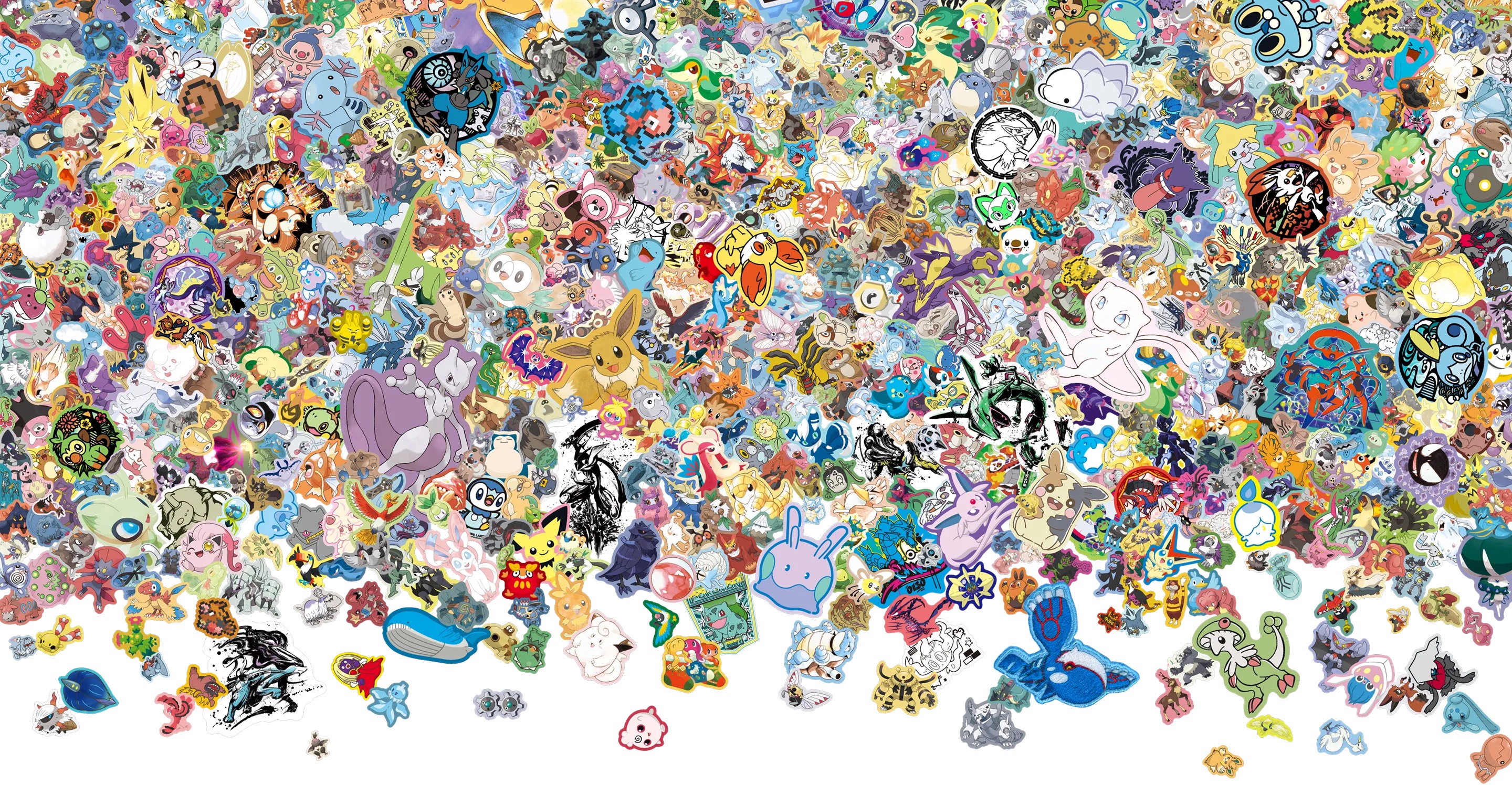
Opened 30.pokemon.com and still unsure what the 'What's Your Favorite?' campaign actually wants you to do? The experience is simple, but key details are easy to miss on first pass.
What to Do Next
If you want to participate quickly, start with the snapshot flow and confirm each step directly from the official hub instructions.
PokemonLore will keep posting concise campaign updates so you can join new #Pokemon30 activities without chasing scattered announcements.
This guide explains how the hub works, how the Pokémon GO snapshot flow fits in, and how to follow the campaign without missing updates.
How to Create a #Pokemon30 Snapshot
Open Pokémon GO on your phone.
Tap the “What’s Your Favorite?” tab and pick from 1,000+ Pokémon.
Take your snapshot and customize it in-app.
Share your image using #Pokemon30.
What’s on 30.pokemon.com
- An official #Pokemon30 landing page centered on one question: “What’s your favorite Pokémon?”
- A “Create Your #Pokemon30 Snapshot” section that walks Trainers through making a shareable image in Pokémon GO.
- A celebrity gallery that links out to the Pokédex for featured picks.
What Official Sources Confirm
- The campaign centers on the “What’s Your Favorite?” message and launches as a yearlong 30th-anniversary celebration.
- 30.pokemon.com notes that Pokémon GO is required to create a snapshot, but a Pokémon GO account or login is not required to generate one.
- Pokémon.com republishes the spot and points fans to the 30th celebration hub for more activities.
Watch the Official Video
Rewatch the official “What’s Your Favorite?” upload below.
Video source: The Official Pokémon YouTube channel.